
The video in this article was made in paid partnership with Reblum.
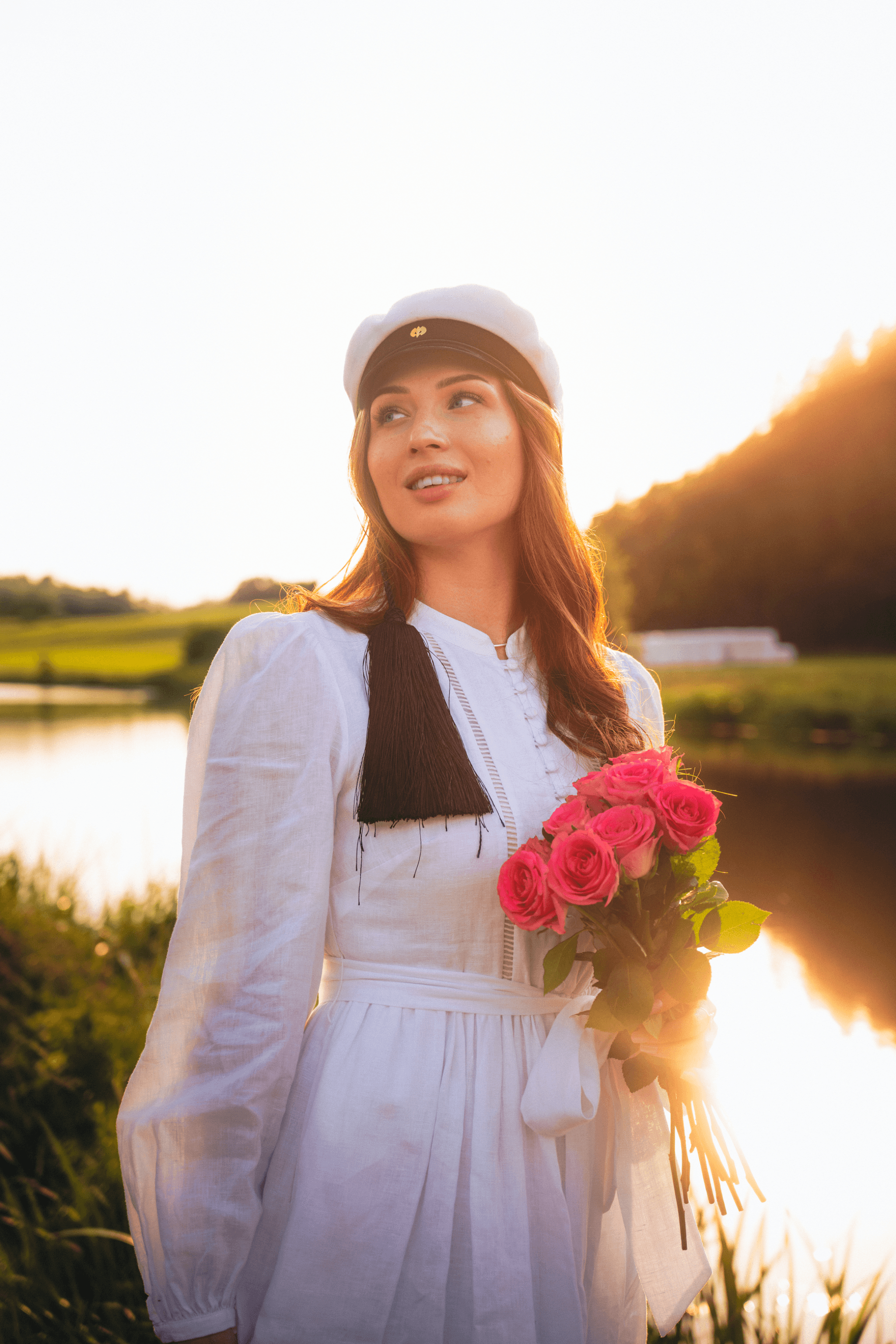
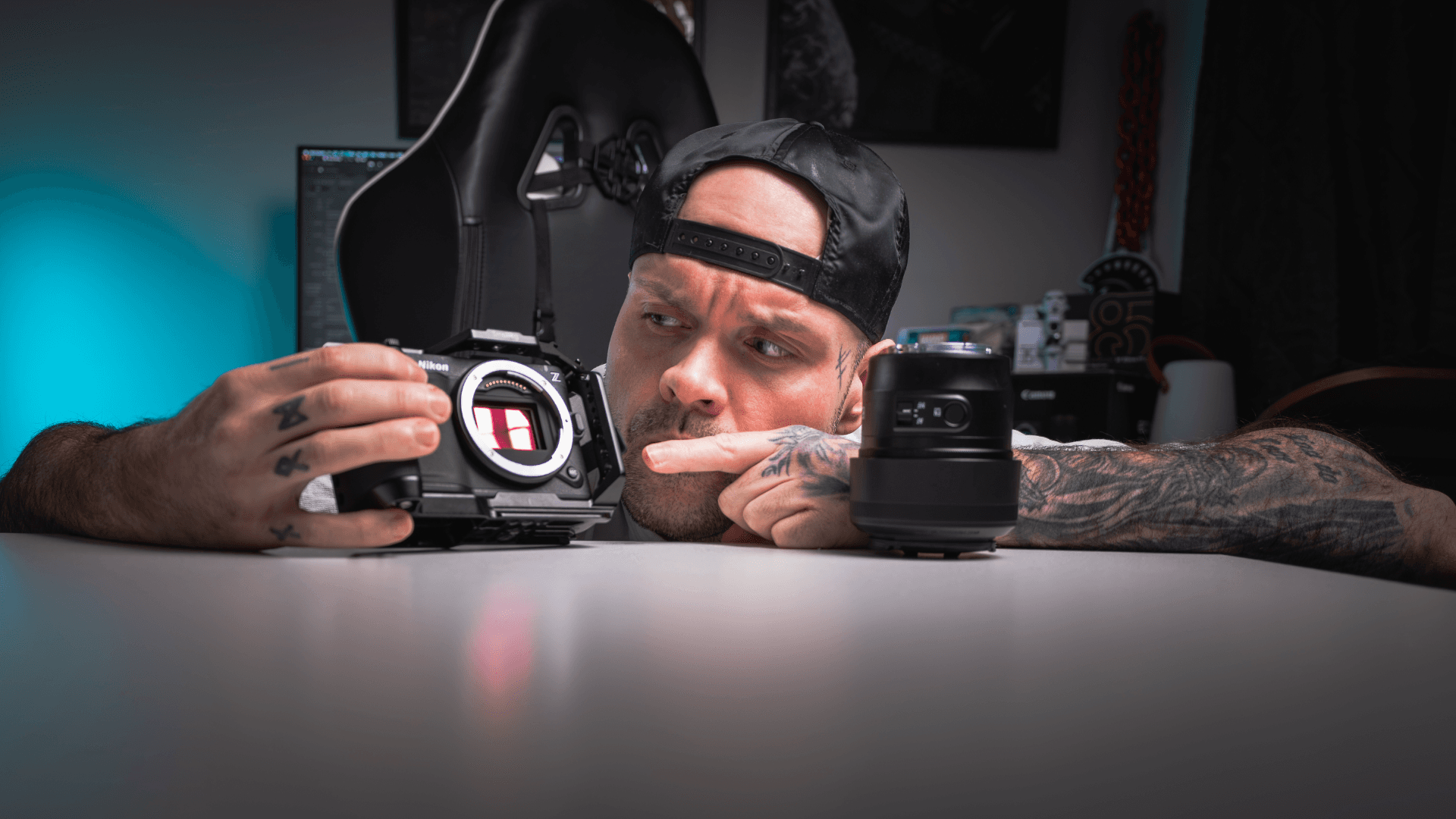
While I was photographing a graduate in Vartiovuori, the sun kept coming straight through the trees. The light changed enough during that one shoot that the Lightroom settings from one frame didn’t always work on the next. I shot the whole series on the Nikon ZR, a camera people usually bring up when they’re talking about video.
In my new video, I talk through my experience with the Nikon ZR Firmware 2.00 beta and edit photos from two client shoots. I wanted to answer a question I hadn’t heard many people ask: did the update change anything for stills? And if it didn’t, why do I still enjoy taking photos with this camera?
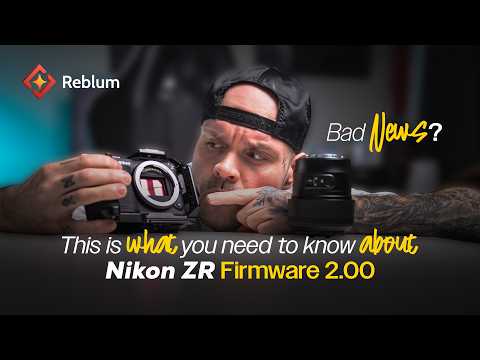
Nikon ZR Firmware 2.00, still photography and editing – Jeyshoots
YouTube content loads after you click.
What did Nikon ZR Firmware 2.00 change for still photography?
I didn’t notice a change in the 2.00 beta that affected the way I shoot stills. For video, the most useful addition for me was being able to use RED color in H.265. I get smaller files for projects where I don’t need R3D RAW, which includes plenty of my YouTube and short-form work. Being able to adjust high-ISO noise reduction when shooting H.265 was welcome, too.
I’m talking about the beta I used in the video. It didn’t include every announced feature. If you’re here for the update itself, I go into more detail in my Nikon ZR firmware article and earlier YouTube video.
Why I reach for the ZR when I’m shooting photos
I’ve also shot with the Nikon Z6III. Comparing my own photos from the two cameras, I noticed a slight difference in the ZR’s colors that I liked. That’s a personal impression from my work; I wasn’t trying to run a controlled camera test. What matters to me is that I like what I’m starting with when I open a ZR photo in Lightroom. I can also take the same body to a job that needs both stills and motion. A recent example is Golden Glow, the Brightin Star campaign I shot on the ZR.
Graduation portraits: keeping the warmth of autumn
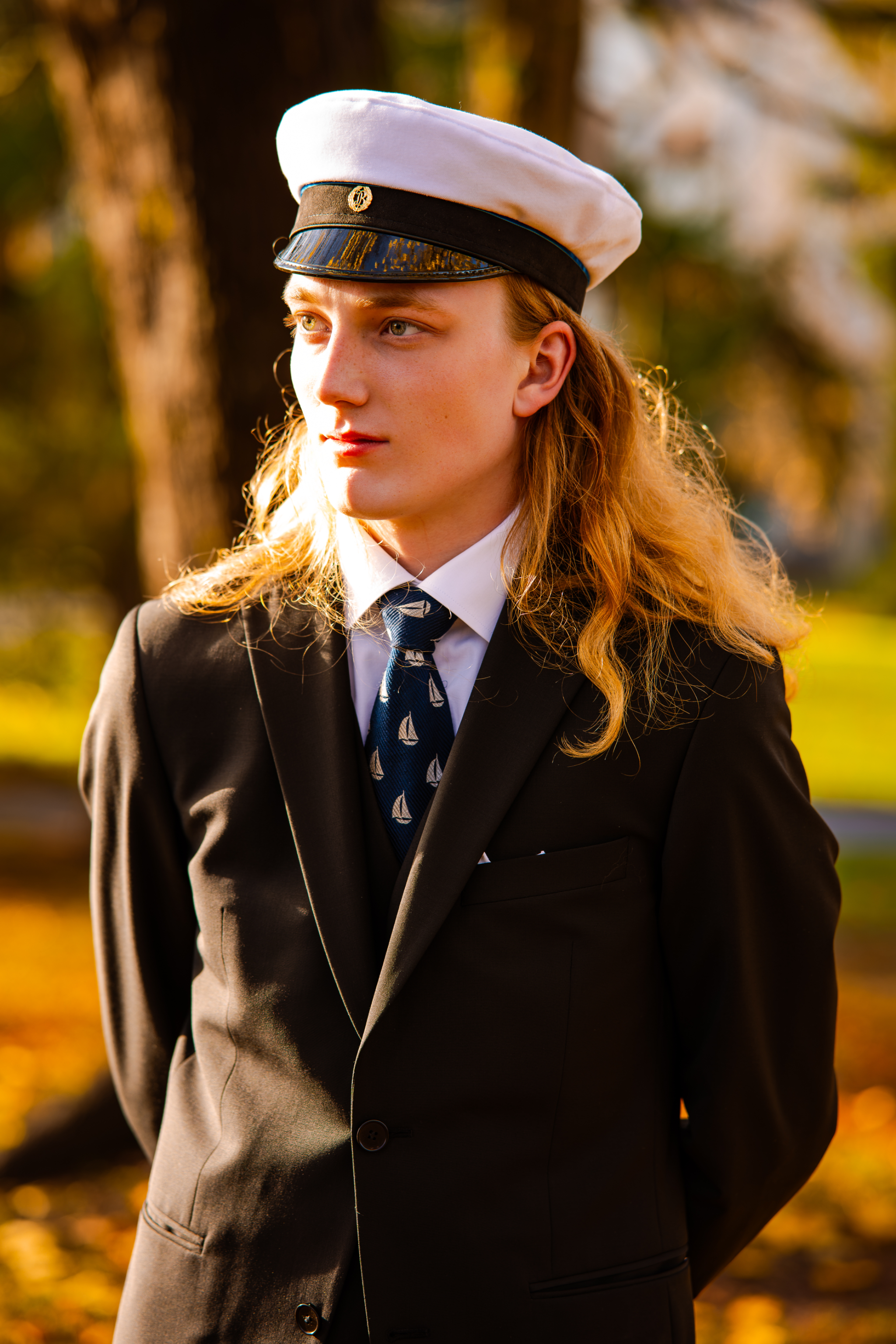
For the Vartiovuori graduation portraits in Turku, I started with my Dreamy Portrait preset. On one frame it got me close straight away. On another, the backlight made the edit too warm, so I cooled the white balance and lifted the shadows on his face a little. I wanted to keep the gold in the background because that’s how the afternoon felt. A small mask helped bring the attention back to him.
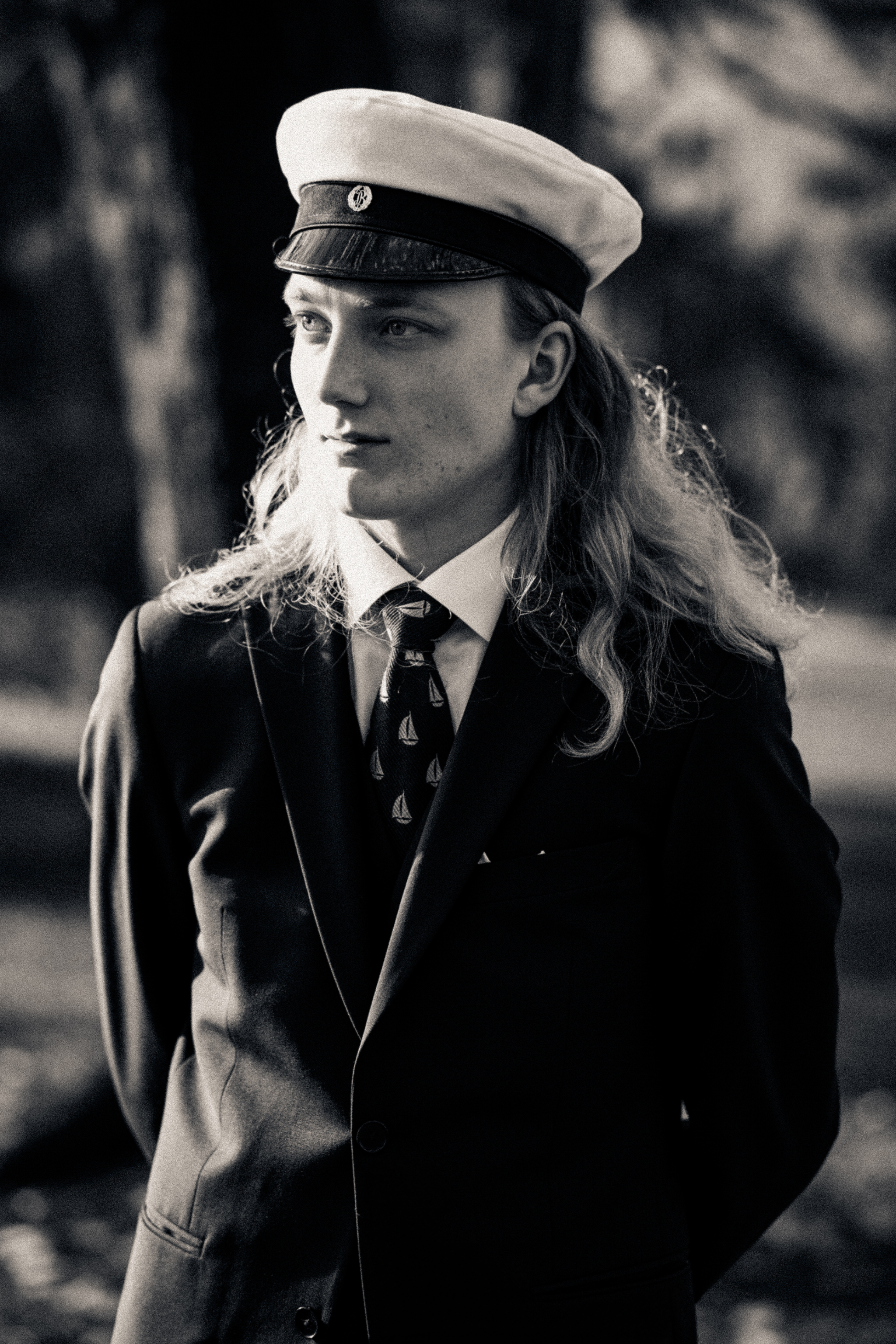
In the video I also try my Noir Portrait preset on the same frame. Once the color is gone, I find myself looking at different things: his expression, the lines of the suit and where the light falls on his face. The black-and-white version needed its own shadow adjustment. That’s a good example of what a preset can do for me: give me a place to start.
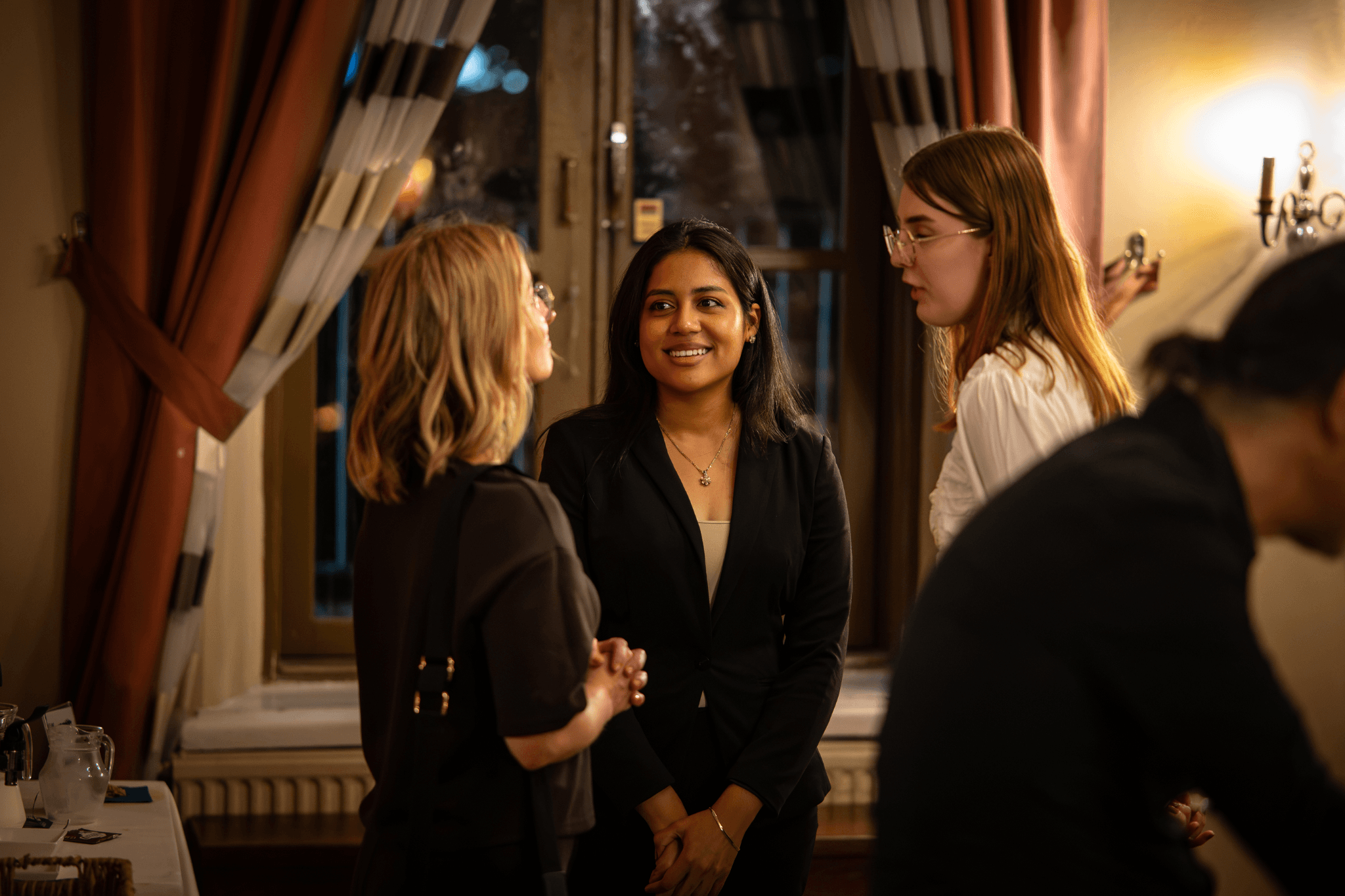
Event photography: a consistent edit across the set
For the event photos, I used my J All-Around preset. I copied the base edit across frames shot in similar light, then adjusted exposure, contrast or white balance where needed. In one frame, the copied settings left the skin tones too warm. A small correction was enough. With an event set, I want the photos to sit together and still feel like the people and the room I photographed.
Dreamy Portrait, Noir Portrait and J All-Around are all in my Jeyshoots Lightroom Presets pack if you want to try those starting points on your own images.
Finishing the photos in Reblum
Once I was happy with the color and light in Lightroom, I took the photos into Reblum. I started with Natural and checked the before and after on each image. In one event photo, the app picked up seven faces. I could make a light adjustment across the group, then check whether anyone needed individual attention. On one of the portraits, I tried some tone balancing and took it back out because I already liked the skin tone. A small lift in the eyes was enough for me; I left the visible veins alone.
That’s where the tool earns its place in my workflow: I spend more of my time looking at what the photo actually needs. I go into the software in more detail in my Reblum review, and you can see more of the work we made together in the Reblum case study.
Would I keep using the Nikon ZR for photography? Absolutely. I can take it from a graduation portrait in autumn backlight to the middle of an event and come home with photos I’m excited to edit. In my work, that tells me more than a long spec sheet.